
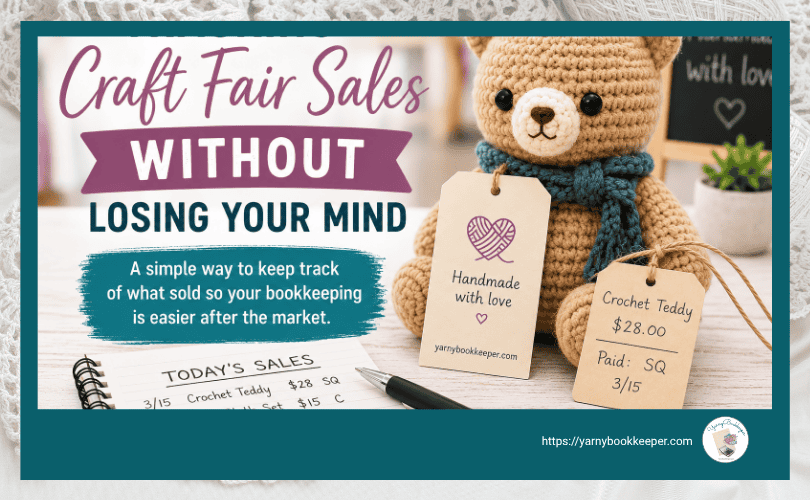
This post was originally published on March 23, 2022 and has been updated with additional tips for tracking craft fair sales and making sure those sales actually make it into your bookkeeping.
Tracking sales at a craft fair sounds simple enough.
You make a list of everything you’re taking with you, write down the prices, and plan to mark things off as they sell.
Easy, right?
Until you’re actually standing in your booth.
Three people are looking at things. Someone wants to know if you have that item in blue. Another person is ready to pay. Someone else has two products in their hands and wants to add a third.
And, of course, you’re working the booth by yourself.
Suddenly, that carefully prepared inventory list isn’t quite as handy as you thought it would be.
How Do You Track Craft Fair Sales When You’re Working Alone?
If you’re like a lot of handmade business owners — myself included — you may spend HOURS creating an inventory list before a craft fair or market.
You have the best intentions.
As each item sells, you’ll mark it off the list. Maybe you’ll even make a little note about whether the customer paid by cash, card, PayPal, Venmo or something else.
Then market day arrives.
You’re dealing with:
- ALL the people.
- Questions about your products.
- Kids who absolutely have to touch EVERYTHING.
- People asking, “How much is this?” while standing directly beside the price sign.
- Taking payments.
- Packaging purchases.
- Keeping an eye on your booth.
- And trying to remember whether you’ve eaten anything since 6:00 that morning.
There’s a lot going on.
And the system that worked beautifully while you were sitting at your kitchen table suddenly requires more time and attention than you have available.
This gets especially messy when someone buys several items at once.
Now you’re trying to locate each item on your inventory list, mark all of them sold and keep track of how the customer paid — while the next person is already waiting.
Been there.
A Simple, Low-Tech Way to Track Craft Fair Sales
After struggling with this myself, I started using a very simple system.
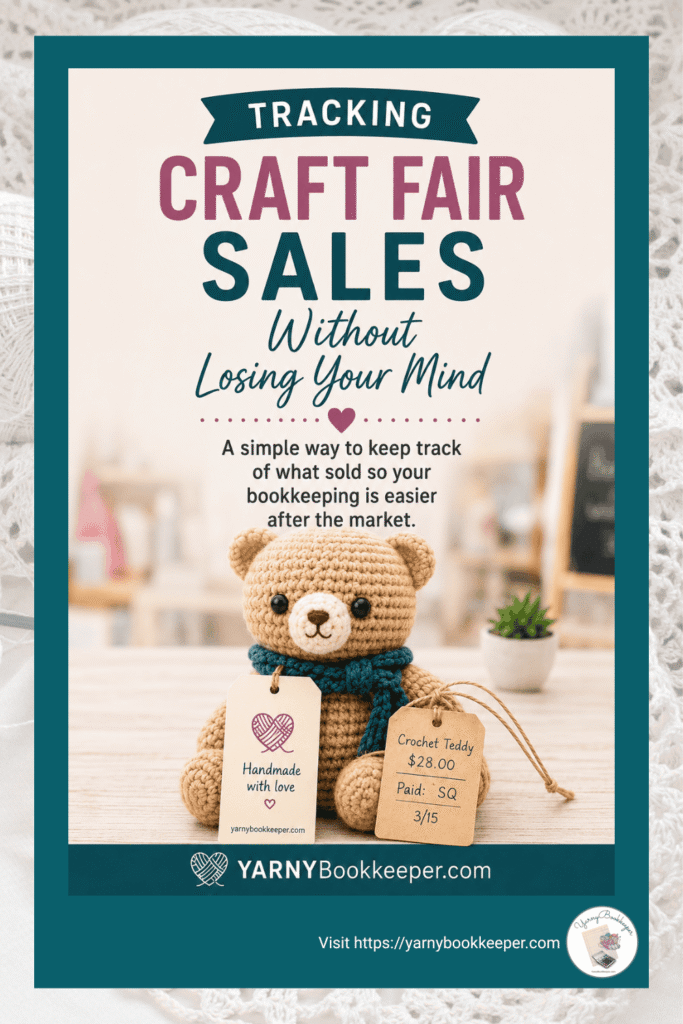
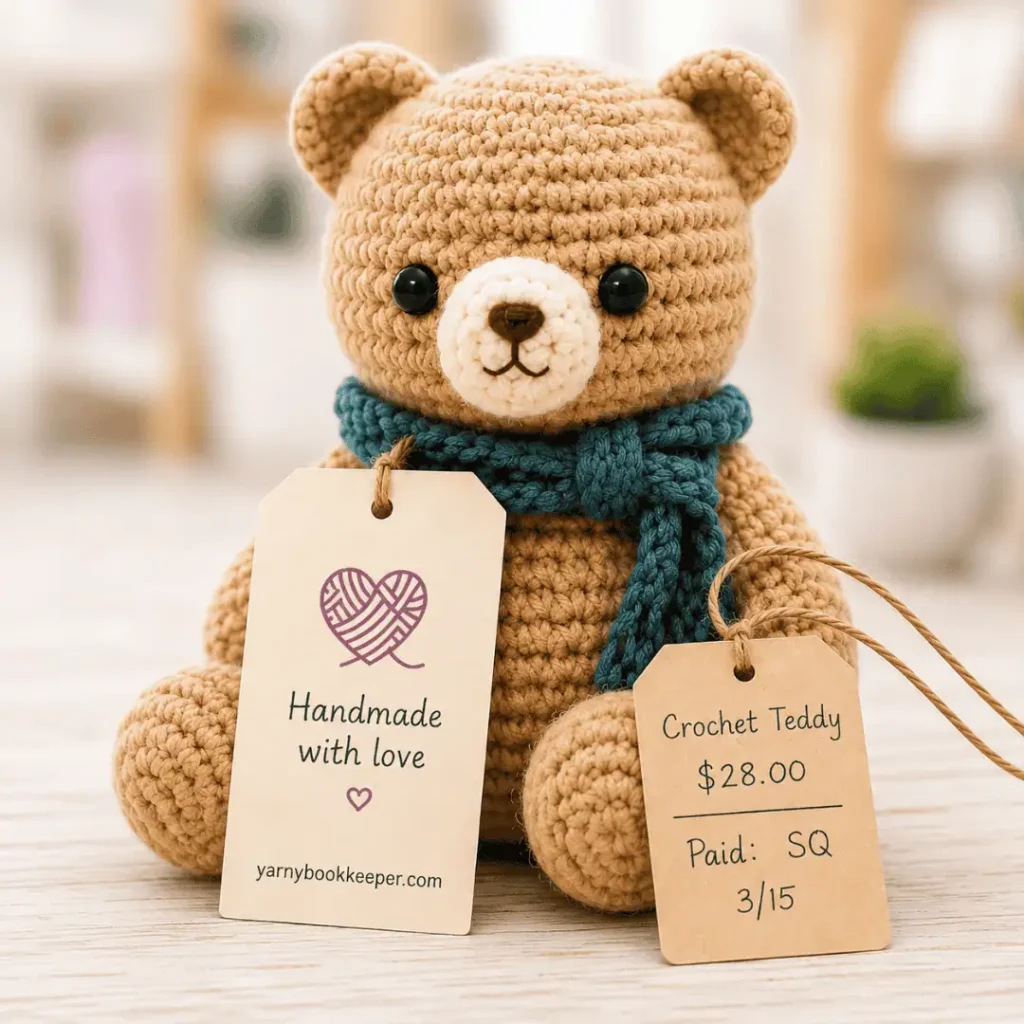
I put two tags on every item I take to a craft fair.
The first tag stays with the product.
Mine was slightly larger than a business card and included my business name, logo and website on the front. On the back, I had room to write the item name, price and any care instructions.
That tag went home with the customer.
The second tag was nothing fancy at all.
Just an inexpensive little hang tag where I wrote:
- The item name or description
- The price
That second tag was for me.
When the item sold, I simply removed that little tag and kept it.
That’s it.
No searching through a long inventory list while someone is waiting to pay.
No trying to remember three hours later which particular scarf or stuffed animal disappeared from the booth.
And no standing there at the end of the day thinking:
Well, shit. I know I sold a bunch of stuff. Now what exactly did I sell?
What If Someone Buys More Than One Item?
This is where the little tags became especially useful.
If someone purchased several items, I removed the tags from all of those items and kept them together.
Then I made a quick note showing how the customer paid.
You can use whatever shorthand makes sense to you. For example:
- C = Cash
- SQ = Square
- PP = PayPal
- V = Venmo
If you’re using another payment processor, just give it its own abbreviation.
When things were really busy, I didn’t even worry about stapling the tags together immediately. I’d stack the tags from that sale together and deal with them once things slowed down.
The goal isn’t to create the world’s most beautiful record-keeping system while you’re standing in your booth.
The goal is to capture enough information that you can make sense of the money later.
What If You Use Square or Another POS System?
You may not need the double-tag system at all.
If you use Square, Shopify POS or another point-of-sale system and every product is already set up individually, your system may already tell you exactly which items sold and how the customer paid.
Perfect.
Use it.
I’m not here to convince you that everyone needs to wander around a craft fair ripping tags off handmade products. 😂
The important part isn’t how you track your sales.
It’s that when the market is over, you can figure out:
- What you sold
- How much you sold it for
- How the customer paid
- Which finished items need to come out of your inventory
- And whether the money you received matches the sales you recorded
For some makers, a POS system handles most of this beautifully.
For others — especially if you have one-of-a-kind items, don’t have everything entered into a POS system, or just prefer a simple low-tech method — the tag system works surprisingly well.
You can also use a combination of the two.
There is no bookkeeping prize for making this harder than it needs to be.
Don’t Stop Tracking When the Craft Fair Ends
Here’s the piece that’s easy to forget when you’re exhausted, loading bins back into the car and wondering why your feet hurt in places you didn’t know feet could hurt.
The tags, inventory list or POS report aren’t the end of the process.
They’re what help you finish the bookkeeping afterward.
Once you’re home, use your sales information to make sure the money you collected matches what you recorded.
Then update the finished items that were sold.
If finished goods inventory makes your eyes glaze over, I walk you through that in How to Track Finished Items Inventory for Makers — Without a Spreadsheet Meltdown.
Doing this soon after the market is a whole lot easier than tossing everything into a bag and trying to reconstruct the day three weeks later.
Ask me how I know.
Tracking Sales Tells You What Sold — But There’s Another Question
Knowing that you sold $500, $1,000 or even $2,000 at a craft fair feels great.
But sales alone don’t tell you whether the market was actually profitable.
You also spent money to be there.
There may have been:
- Booth fees
- Mileage or travel costs
- Parking
- Displays or booth supplies
- Credit card processing fees
- Meals
- Advertising
- Packaging
- And, of course, the cost of the products you sold
That’s why I also recommend tracking the income and expenses for each individual craft fair or market.
I walk you through how — and why it matters — in How to Track Craft Fair Income & Expenses — So You Know Which Markets Are Actually Worth It.
Because the question isn’t just:
“Did I make sales?”
It’s:
“Did I make money?”
Those are not the same thing.
And if you’re going to spend your time making inventory, packing your car, setting up a booth, standing on your feet all day and hauling everything home again, you deserve to know whether that market was actually worth doing.
Ready to Find Out Whether Your Craft Fair Was Actually Worth It?
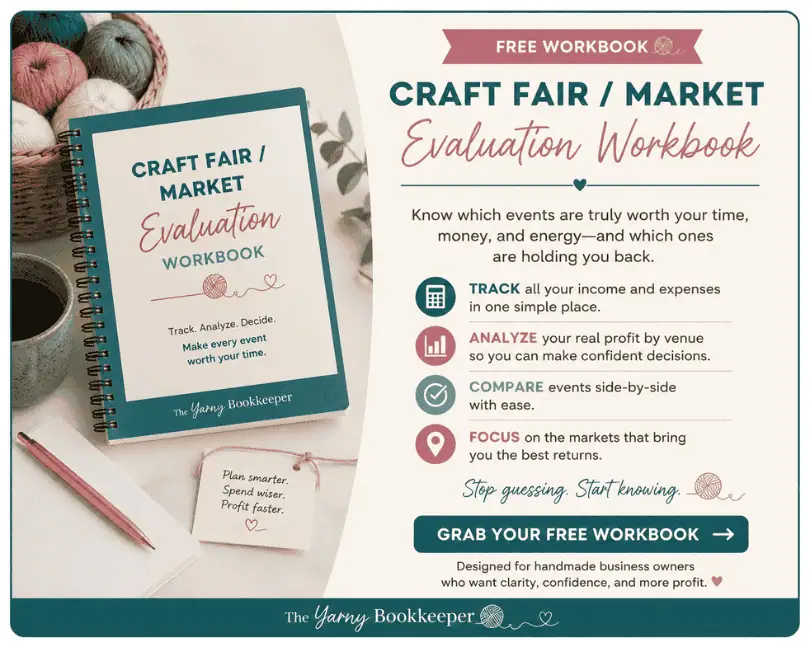
The Craft Fair/Market Evaluation Workbook helps you pull the pieces together after the event so you can look beyond total sales and evaluate how the market really performed.
Use it to help decide which markets are worth returning to — and which ones can get a polite little “no thank you” next year.

If you'd rather be working with yarn, fabric, paint, or clay than trying to figure out what the heck is going on with your business money, you're in the right place.
I help makers understand what’s happening with their money—and what those numbers actually mean for their business. Because handmade business bookkeeping goes beyond simply tracking what came in and what went out.
You don’t need to become a bookkeeper or run out and get an accounting degree. You just need to understand enough to make better decisions about your business without all the accountant-speak.
👉 Want help figuring out your bookkeeping (without overcomplicating it)? Join the Free Handmade Business Bookkeeping community.
I am a coach/educator, not your bookkeeper or CPA. This information is for educational purposes, not financial or tax advice.
Full Disclosure - How I use AI
I use AI to create some blog images because it does a much better job of producing maker-specific images than I can usually find after hours of searching.
The ideas, teaching, and writing in my blog posts are mine. I use AI as an editing partner to help me check clarity, rein in my tendency to get too wordy, and occasionally keep me from wandering off on a tangent.
- Free Bookkeeping Software for Handmade Businesses: What to Look For + Options to Consider - October 5, 2026
- Tracking Craft Fair Sales Without Losing Your Mind - September 20, 2026
- How to Track Craft Fair Income & Expenses — So You Know Which Markets Are Actually Worth It - September 7, 2026



[…] to keep track of the individual sales you make while you’re actually at an event, my post on Tracking Craft Fair Sales Without Loosing Your Mind walks you through that […]